
PHONES IN. PRIVACY ON.
Guardian Dock
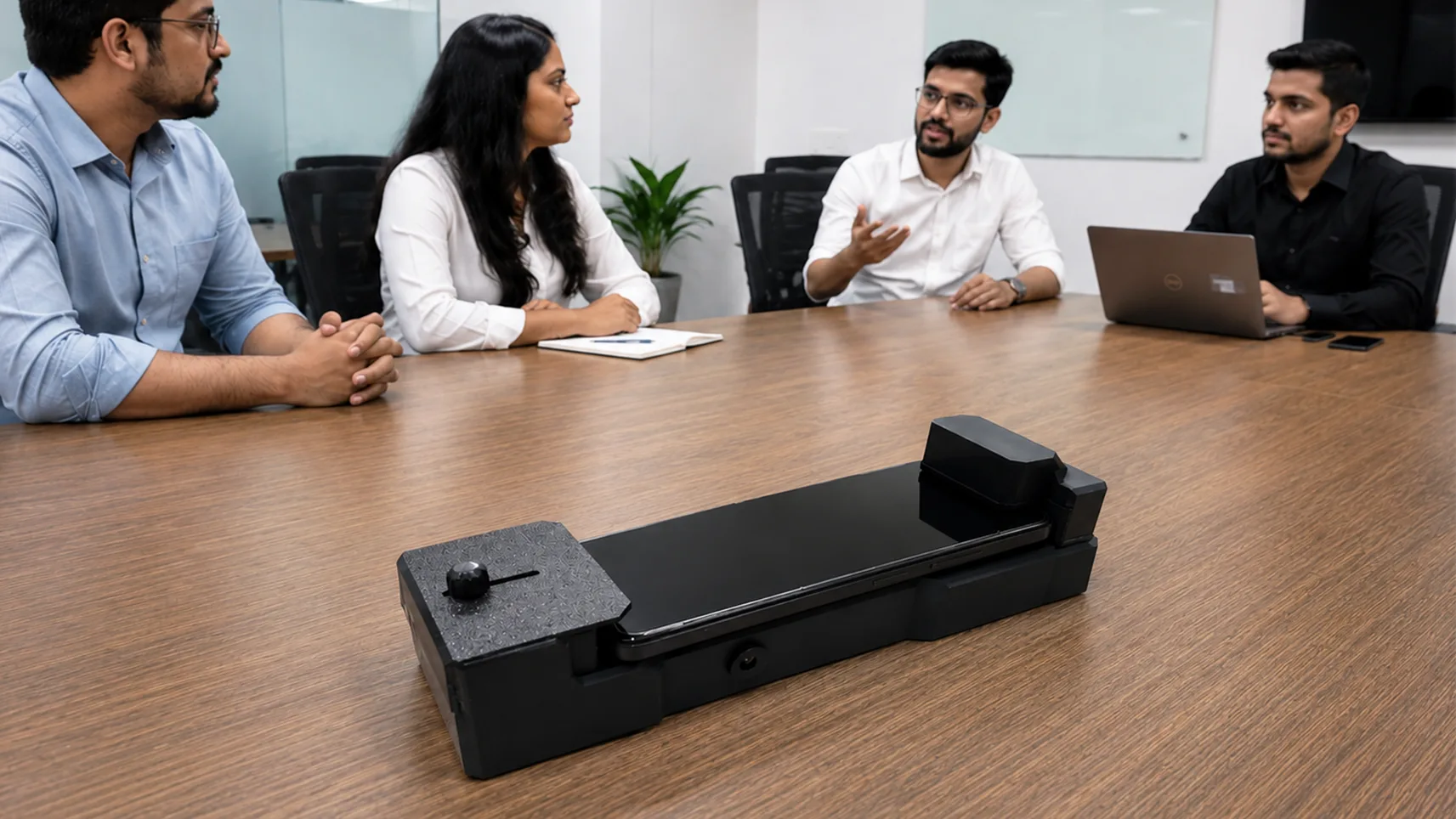
A safe place to park a phone. Any phone placed on it cannot record — its microphone is jammed, its cameras are covered. And while it sits there, it charges wirelessly.
Overview
Every phone in the room is a recorder. In a sensitive meeting — a board discussion, a client consultation, a diplomatic conversation — one tap is enough: mic on, camera rolling, hidden inside a normal-looking app. Asking visitors to leave their phones outside feels rude. Letting phones stay on the table feels risky. Until now, there was no middle ground.
Guardian Dock is that middle ground. Visitors place their phones on the dock — a polite, professional gesture, like checking in a coat. The moment a phone touches the dock, three things happen: the microphone is acoustically jammed by ultrasonic signals from every side, the front and back cameras are physically covered by sliding shutters, and the phone wirelessly charges so guests have no incentive to take it back early.
No apps to install. Nothing for the visitor to set up. Just a polite, professional way to make sure that what's said in the room stays in the room.
Key Highlights
Ultrasonic Microphone Jamming
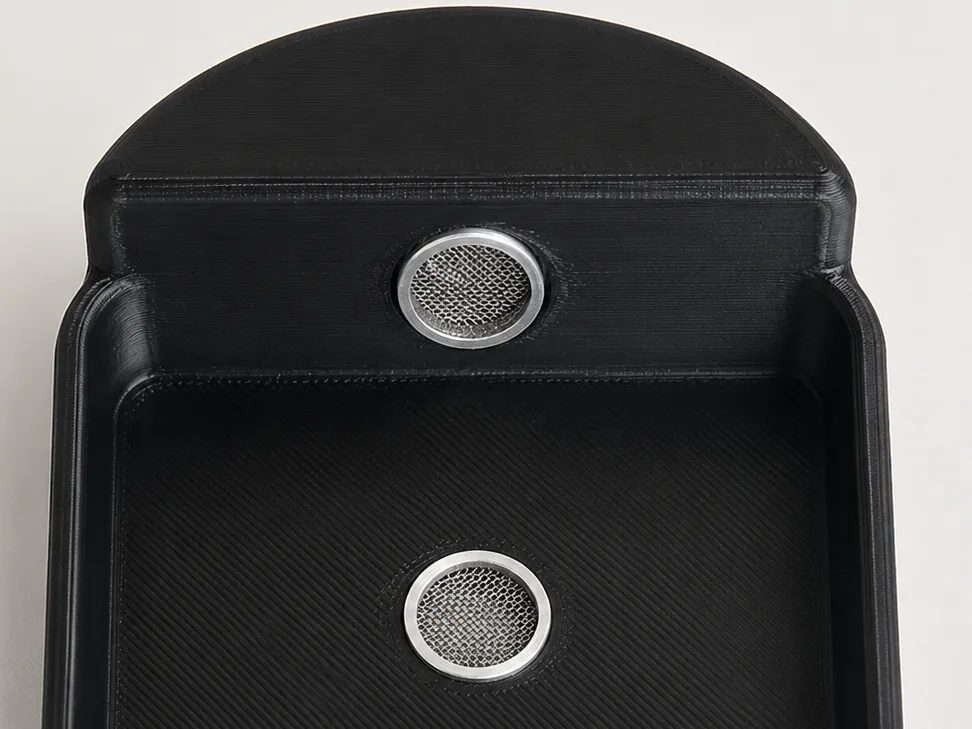
Transducers on all four sides surround the phone with constantly shifting ultrasonic signals. Microphones can't make sense of it — recordings come out as useless noise.
Wireless Phone Charging
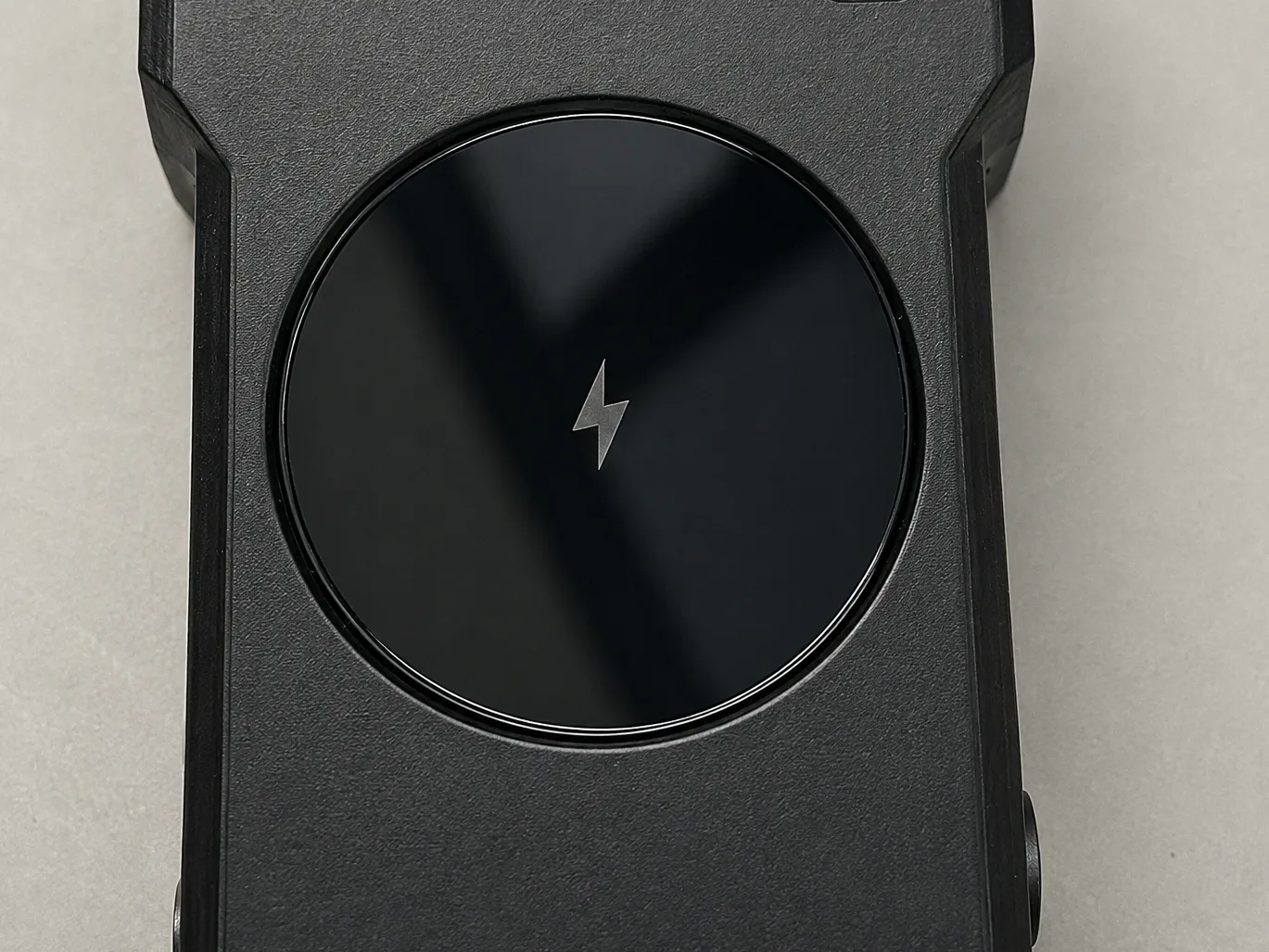
While protected, the phone charges wirelessly at up to 15W. Guests stay comfortable, you stay protected.
Universal Compatibility
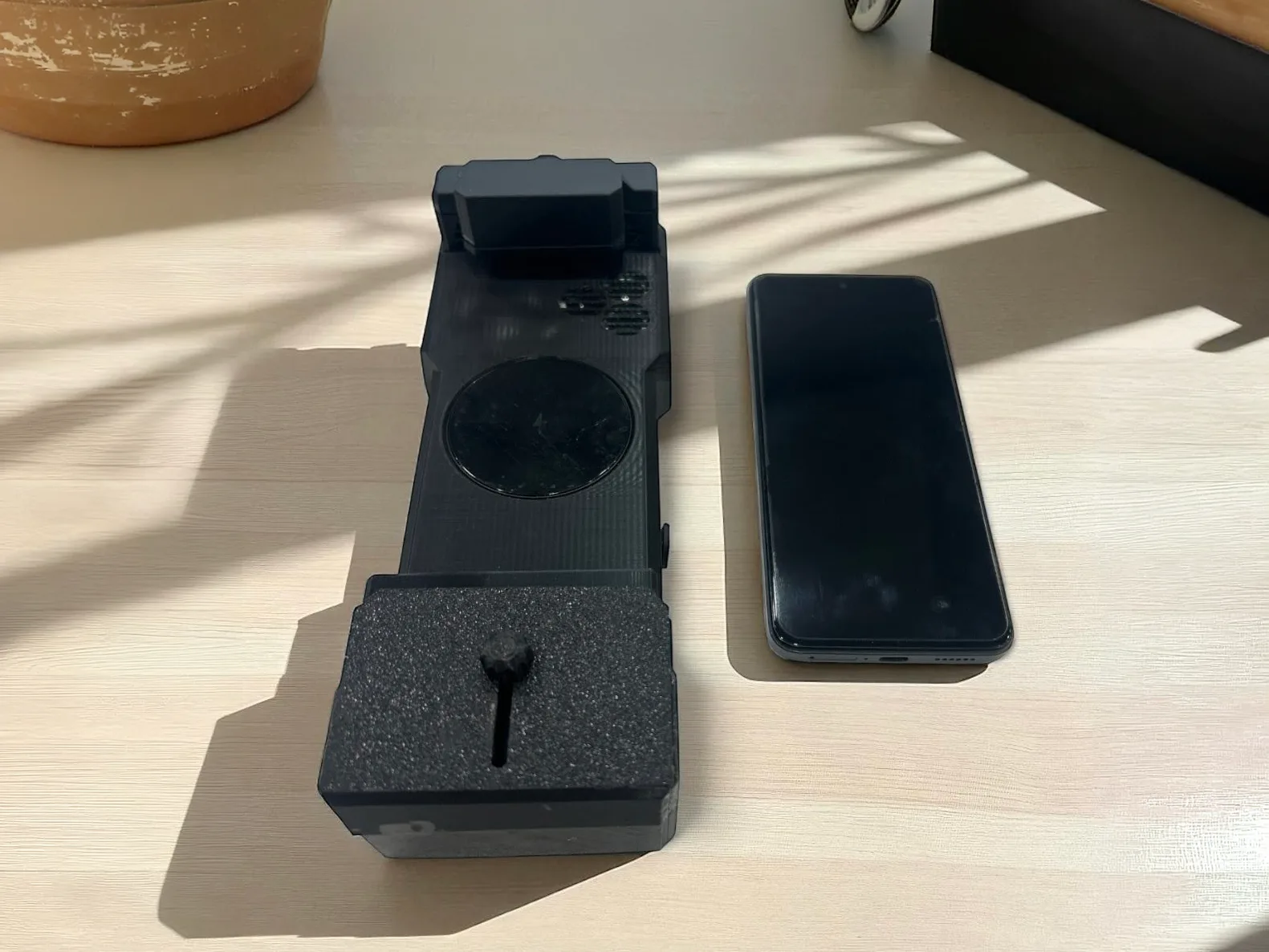
Works on any phone placed on it — yours, a colleague's, a visitor's. Any Qi-compatible phone.

Constantly Shifting Signal Pattern
Recording apps can't adapt or filter it out. The signal pattern changes continuously.
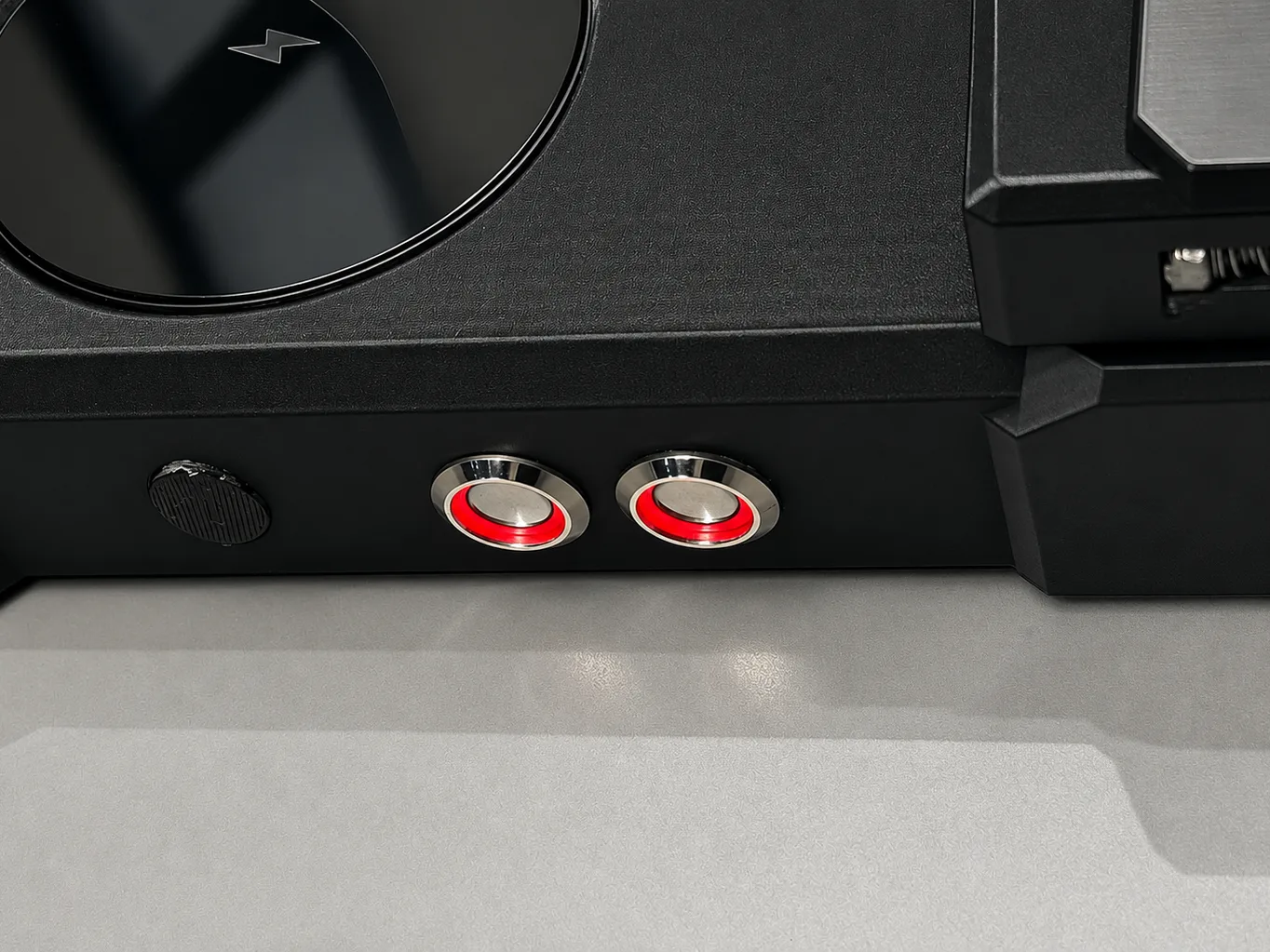
Independent Controls
Separate switches for privacy and charging — use either, both, or neither.
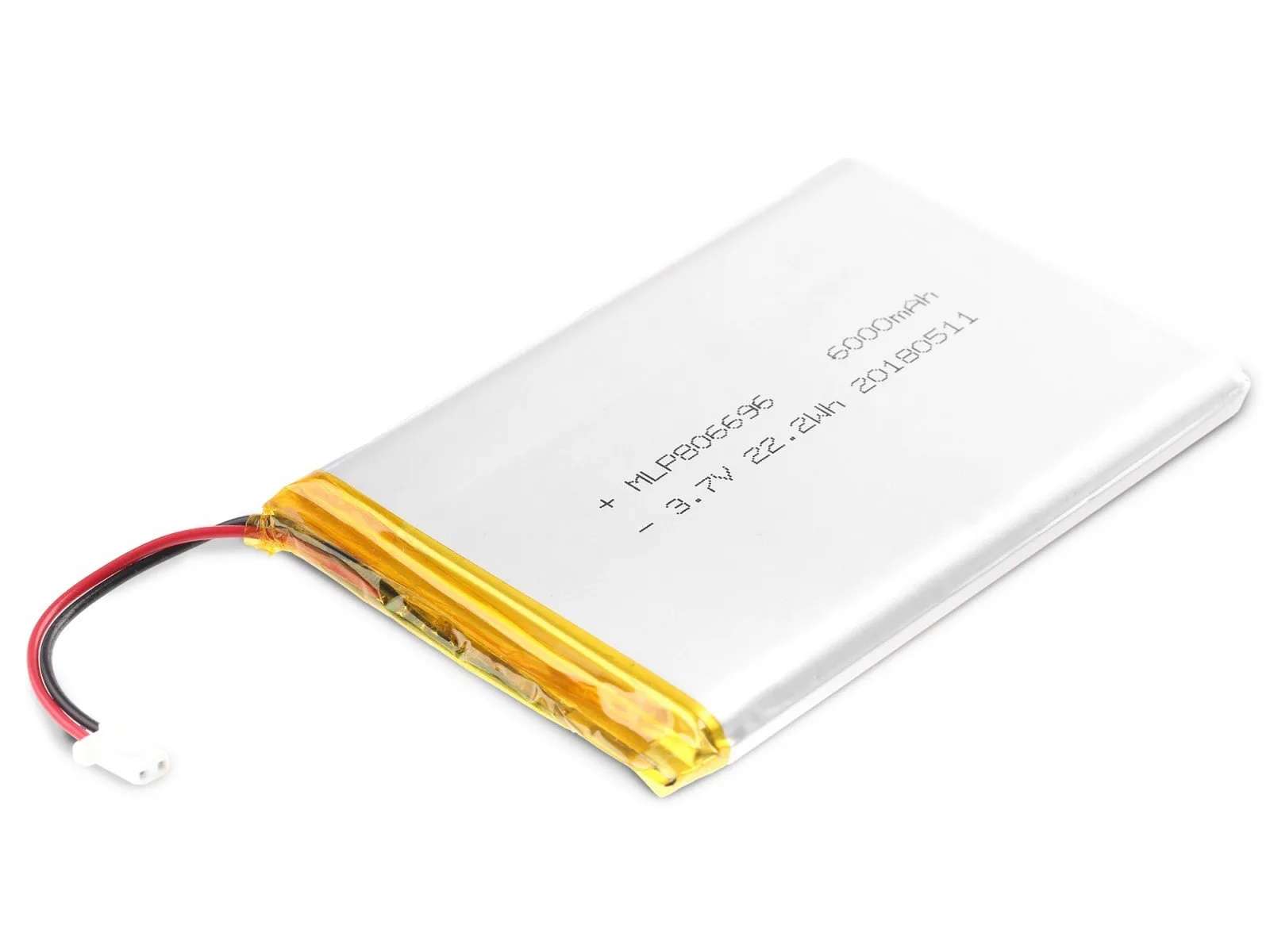
Built-In Battery
6000 mAh — up to 4 hours of jamming + charging together. Works unplugged.
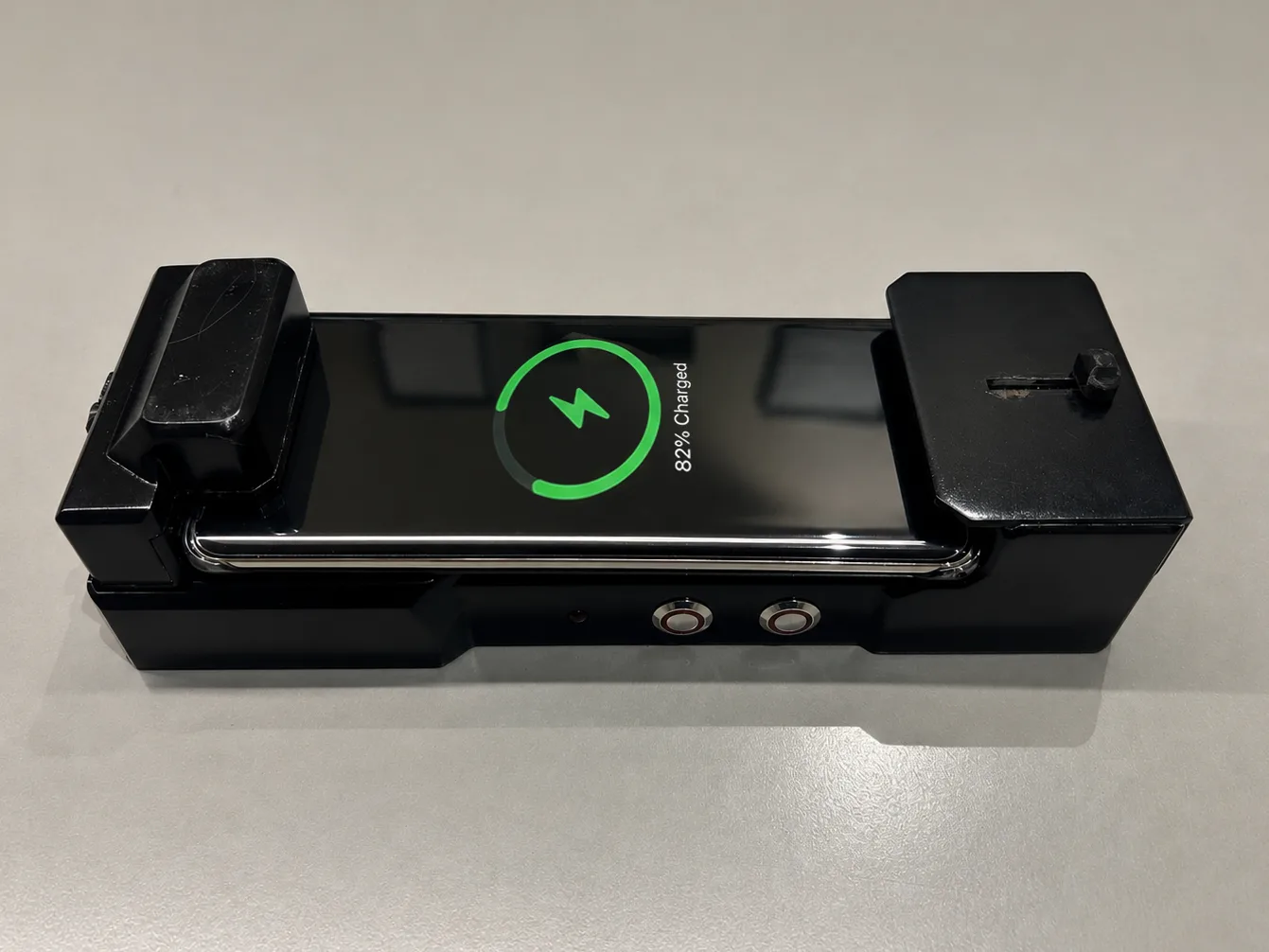
Pass-Through Charging
Works while the dock itself is plugged in and charging.
How It Works
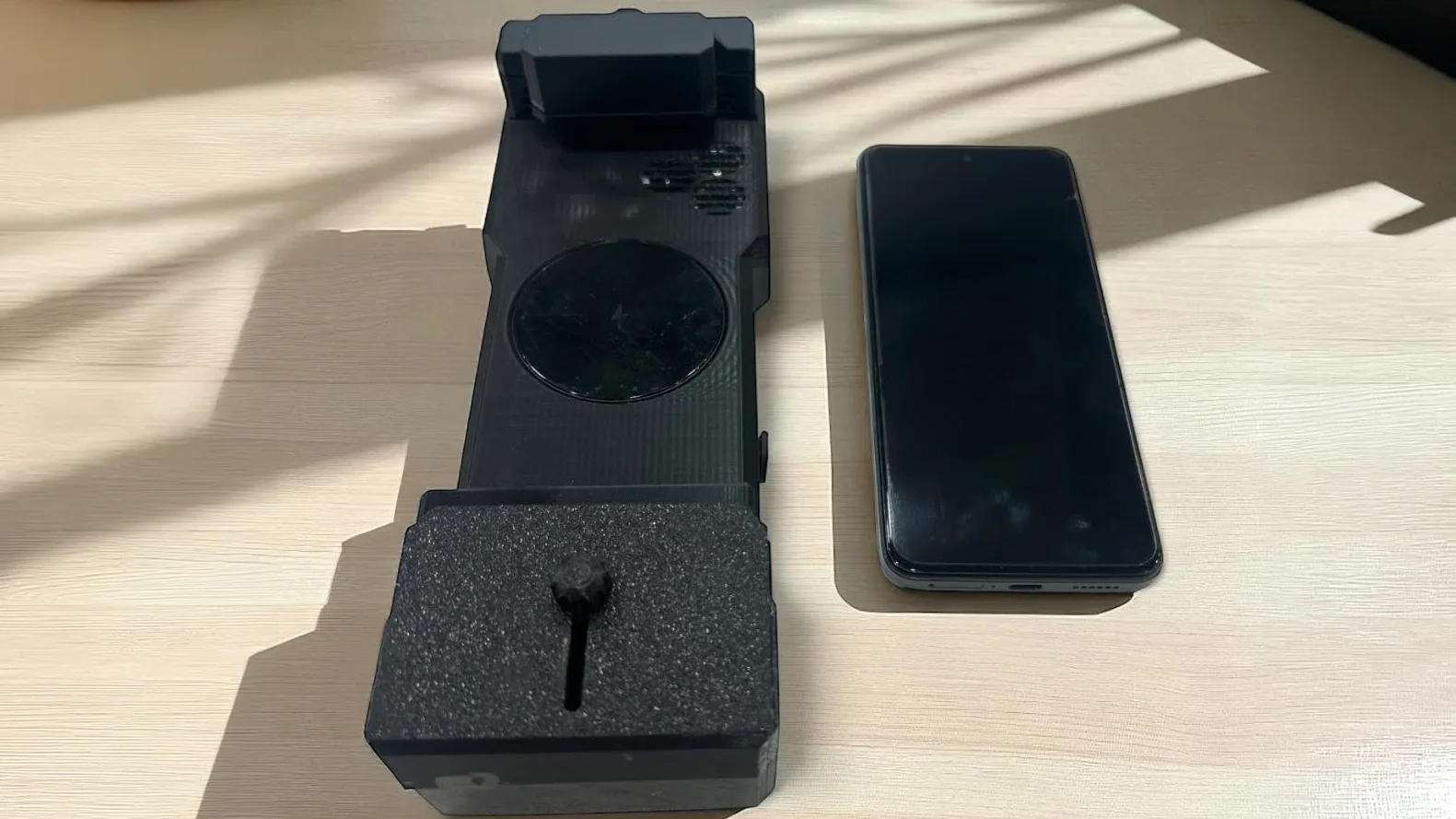 1
1Place
Place the phone on Guardian Dock.
 2
2Cover
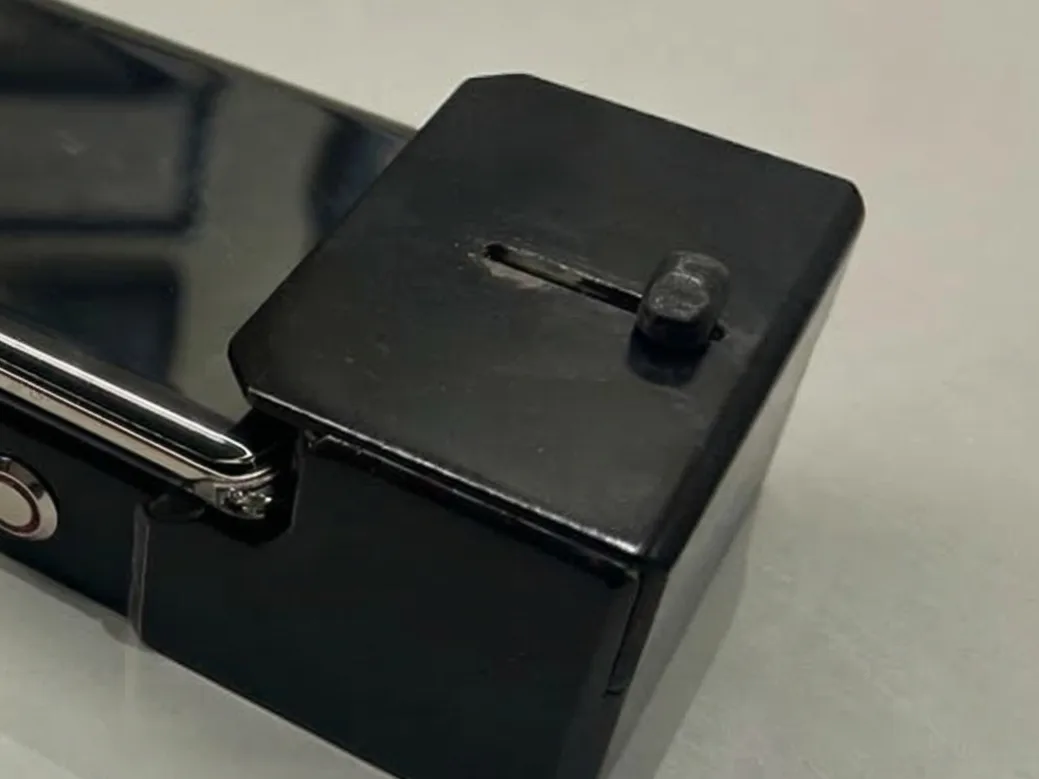
Slide the covers across the phone's front and back cameras.
 3
3Activate
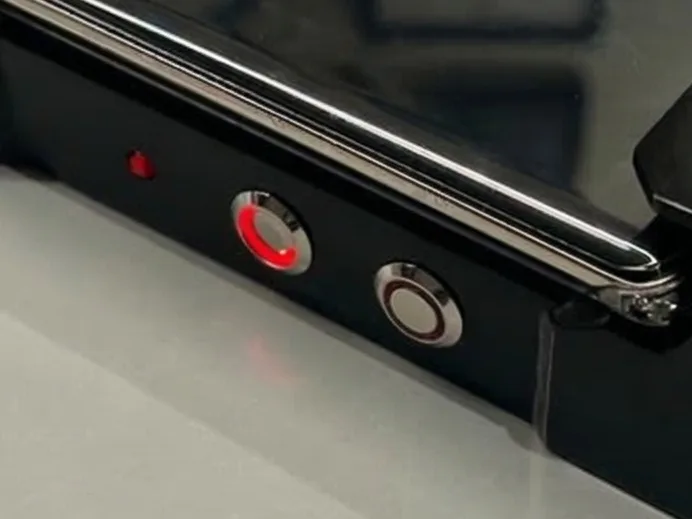
Press the Privacy Mode button. The LED confirms it's active.
 4
4Converse
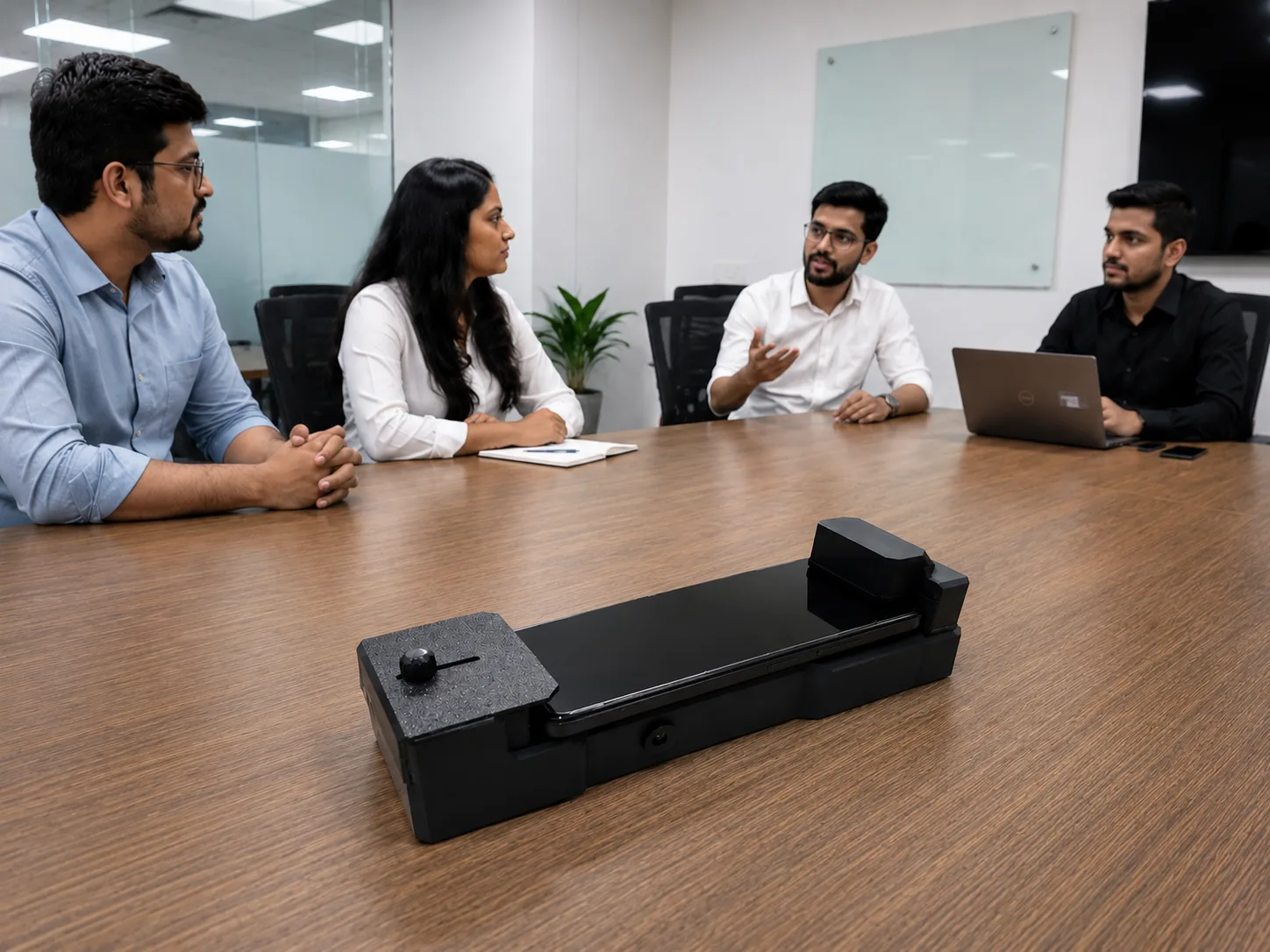
Begin your conversation. The phone is parked, charging, and disabled as a recording device.
Applications
- Boardrooms and executive meetings
- Lawyers' chambers and client consultations
- Doctors' offices during sensitive discussions
- Journalists' meetings with sources
- Diplomatic and government offices
- Investment and M&A discussions
- Hotels, rentals, and any private space you visit
- Anywhere a quiet, recording-free conversation matters
Technical Specifications
- Battery
- 6000 mAh rechargeable Li-Polymer
- Battery Life
- Up to 4 hours of jamming + wireless charging together
- Wireless Charging Output
- Up to 15W (Qi-compatible)
- Power Input
- DC barrel jack (compatible adapter included)
- Pass-Through Charging
- Yes — works while dock is itself charging
- Coverage
- Full surround — transducers on top, bottom, front, and back
- Frequency Range
- 20 kHz – 45 kHz (ultrasonic; inaudible to humans)
- Phone Compatibility
- Most modern smartphones with Qi wireless charging
- Controls
- Power, Privacy Mode, Wireless Charging — independent switches
- Indicators
- LEDs for power, privacy mode, charging, and battery level
Construction & Materials
- Housing Material
- ABS / polycarbonate (premium finishes available on request)
- Portability
- Compact — fits in a bag, on a table, on any desk
Dimensions
- Length
- 228 mm
- Width
- 85 mm
Power & Battery
- Battery
- 6000 mAh Li-Polymer
- Battery Life
- Up to 4 hours of full operation
- Charging Input
- DC barrel jack
- Pass-Through Charging
- Yes
Interface
- Controls
- Three independent switches — Power, Privacy Mode, Wireless Charging
- Indicators
- LED indicators for Power, Privacy Mode, Charging Status, Battery Level
Why Choose Guardian Dock
Acoustic + Optical Protection
Microphone jamming alone isn't enough — cameras can still record. Guardian Dock blocks both layers simultaneously.
No App, No Install, No Friction
Works on every phone the moment it's placed. Nothing to configure, no awkward request to the visitor.
Polite by Design
Asking guests to dock their phone is socially acceptable in a way that asking them to leave it outside is not.
Portable & Battery-Powered
Works in any room, on any desk, in any hotel — not just where there's a power outlet.
Customization & Variants
Premium housing finishes available on enquiry — leather, brushed metal, wood-veneer accents. Custom logo etching available for corporate gifting and boardroom deployments. Multi-dock packages for full-boardroom deployments (one per seat).
Certifications & Compliance
- ISO 9001:2015
- ISO/IEC 27001:2022
- CE
- RoHS
- DPIIT
- MSME
- Patent-Aligned IP
- Made in India
FAQ
Does it damage the phone?
No. Ultrasonic signals are above human hearing and do not damage phone hardware. The camera covers are non-adhesive sliding shields.
Will it interfere with the user's own phone if they're using it nearby?
Privacy Mode only affects the phone placed directly on the dock. Phones elsewhere in the room are unaffected by the camera shutters; the ultrasonic field is highly localized.
Can it block cellular calls?
No. Guardian Dock blocks audio recording and camera capture. It does not block cellular signals or active calls.
Does it work with iPhones and Android phones?
Yes — any phone with Qi-compatible wireless charging works on the dock.
How long does the battery last?
Up to 4 hours of full simultaneous jamming + wireless charging. Recharge via the included DC adapter.
Is the use of this device legal?
Yes, in most jurisdictions. Guardian Dock is a defensive privacy tool — it only affects phones placed on it, with implicit consent from the phone's owner.
Park It. Protect It.
Guardian Dock gives every phone in the room a place to rest — and gives you the quiet confidence that what's said in the room stays in the room.
Enquire Now